How to Check Backlinks: Two Free Tools Disagreed on Every Site We Tested

We looked up the same five sites in two free backlink checkers and got different referring-domain counts every time: typically about 1.4 times apart, and up to 1.85. Here is how to check your backlinks for free, which source to trust for what, and why you should never read one number on its own.
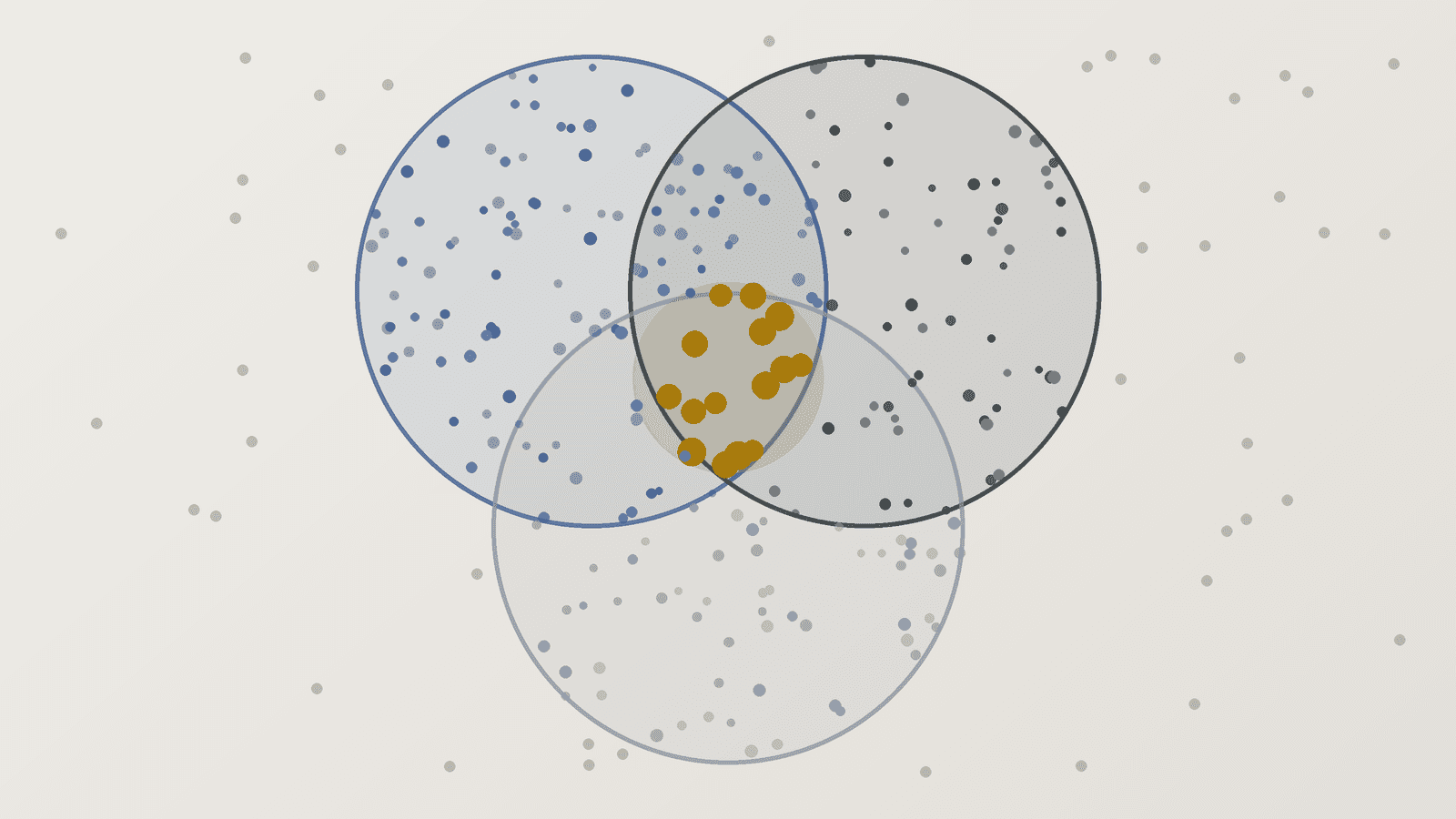
To check your backlinks for free, start with Google Search Console's Links report, which shows the links Google itself has found to your site, then add Bing Webmaster Tools and one third-party backlink checker for a second view. No single source sees every link. When we looked up the same sites in two free checkers, they disagreed on every one, typically by about 1.4 times and by up to 1.85 times, so compare referring domains rather than raw link totals, and judge trends inside one tool rather than numbers across tools.
In a hurry? The five steps: open Search Console's Links report, add Bing Webmaster Tools' Backlinks report, run one third-party checker, merge the exports and count referring domains, then check the handful of links that matter by hand. Each step is explained below.
On November 3, 2026 we looked at:
- Five public sites in two free checkers that show numbers without a login: Moz's free Domain Authority checker and Semrush's public site overview pages. The sites were Smashing Magazine, Ghost, Backlinko, CSS-Tricks and the smaller Plausible Analytics. We tried nine other free checkers too. Most stopped us with a captcha, a login wall or a daily limit, which is itself useful to know.
- The official help pages for Google Search Console, Bing Webmaster Tools, Ahrefs, Moz and Semrush, for exactly what each free tier shows. We quote them word for word.
- 12 ranking guides on how to check backlinks, tallied for what they tell you and what they leave out.
Free ways to check your backlinks#
There are two kinds of source, and you want at least one of each.
Search engines' own reports. Google and Bing both show you links to sites you've verified, for free. These are the only sources that come from the search engines themselves, but neither shows everything.
Third-party backlink checkers. Ahrefs, Semrush, Moz, Majestic, SE Ranking and others crawl the web with their own bots and build their own link indexes. They work for any site, including competitors, but their free tiers are capped hard, and each index is different.
Here is what each free option gives you, from the vendors' own pages:
| Source | What's free | Your site only? | Shows nofollow? |
|---|---|---|---|
| Google Search Console | Links report, tables up to 1,000 rows, export up to 100,000 | Yes, verified sites | No |
| Bing Webmaster Tools | Up to 1,500 referring domains, 10,000 links per domain, plus compare with 2 other sites | No, competitors too | Not stated |
| Ahrefs Free (formerly Webmaster Tools) | "All known links" for verified sites | Yes, verified sites | Yes |
| Moz | 10 Link Explorer queries a month with a free account, 3 domain reports a day without one | No | In Link Explorer |
| Semrush | "10 reports per day across all vital tools" | No | In Backlink Analytics |
The one that surprises most people is Bing. Its Backlinks help page says you can "compare and analyze your website's backlink profile with up to two other sites' backlinks", which makes it the only search engine tool that shows you a competitor's links.
What Google Search Console's Links report shows#
Search Console's Links report sits under Links in the left menu once your site is verified. It has three external sections: top linked pages, top linking sites and top linking text. Click Export external links to download either the most recent links or a sample.
Google is clear about the limits in its Links report help page:
"This report isn't a comprehensive list of every link on your site. It shows a sample of internal and external links to help you understand your site's overall link profile."
It also says "Tables are limited to 1,000 rows", that the report "includes links that Google has found over time" which "may have since been removed", and that it "doesn't specify if a link is marked as nofollow". The export goes further, up to 100,000 rows.
So Search Console tells you which sites Google knows link to you. It won't tell you whether a link still exists, whether it's followed, or how many you have in total. Use it as your baseline, not your full list.
What happened when we checked the same sites in two tools#
Moz's free checker and Semrush's public overview pages both show a referring-domain count for any site. Same sites, same day, different answers:
Moz reported more referring domains than Semrush for all four sites both tools covered, with a median gap of about 1.4 times. The gap ranged from 1.07 times for Backlinko (80,300 against 75,150) to 1.85 times for Smashing Magazine (162,100 against 87,780). That's 74,320 domains of difference on one site. CSS-Tricks came out 1.41 times apart and Ghost 1.46.
The smallest site didn't show up in one tool at all. Moz listed 24,200 referring domains for Plausible Analytics. Semrush has no public overview page for it, so a free user gets nothing.
Two caveats keep this honest. Semrush labels its figures as September 2026 data, while Moz's free page doesn't give a date, so part of the gap could be timing. It can't be much, though: Semrush's own pages show each site's referring domains moved by less than 0.4% in September, so a month or two of lag can't explain a 40% gap. Treat five sites as an illustration, not a survey. And Moz's free page shows only referring domains, which it calls "linking root domains", not total backlinks. Semrush's totals run into the millions: 7.73 million backlinks for Smashing Magazine from 87,780 domains, about 88 links per domain. That's why raw backlink totals are the least useful number in any report. A single sitewide footer link can add thousands of them.
This isn't a quirk of two tools. Linkody, one of the 12 guides we read, compared its own crawler with Search Console on its own site: "GSC only found 1,306 unique referring domains, while Linkody discovered 3,981." Bing says the same about itself. Its backlinks data "is a representative set of links" and "not a complete backlinks profile".
What it means for you: a backlink count is an estimate from one crawler's index, not a fact about your site. Pick one tool for tracking, watch its trend over months, and never compare your number in one tool with a competitor's number in another.
How to check a competitor's backlinks#
Search Console and Ahrefs Free only show sites you've verified. For anyone else's links, you have three free routes:
- Bing Webmaster Tools' comparison. Add up to two other sites next to yours. Bing's help page says it uses "the top 500 (by backlinks count) referring domains" for the comparison and shows up to 100 referring pages per drilldown.
- A free third-party lookup. Moz's free checker gives three domain reports a day without a login, and Semrush's free account gives ten reports a day. Expect the top of the list, not the whole thing.
- A free trial of a paid tool, if you need the full export once.
Our competitor backlink analysis guide covers what to do with the list once you have it.
What 12 guides on checking backlinks say#
We read 12 of the guides that rank for "how to check backlinks", including Ahrefs, Semrush, HubSpot, Neil Patel, Majestic, SE Ranking, Rank Math and Backlinko.
Most get the basics right. 10 of 12 mention Search Console and 8 of 12 tell you to check whether links are nofollow.
Few warn you that the numbers disagree. Only 3 of 12, from Majestic, Linkody and Morningscore, say that different tools report different links. Only Linkody shows any comparison data. Only Backlinko tells you to judge by referring domains rather than raw backlinks, and only 5 mention Bing Webmaster Tools.
8 of the 12 publishers sell a backlink tool, and 5 recommend their own tool as the first method. That doesn't make their advice wrong. But it explains why so few of them stop to say that their count is just one estimate among several.
How to check your backlinks, step by step#
1. Start with Google Search Console. Verify your site if you haven't, open Links, and export the external links. This is your baseline of links Google knows about.
2. Add Bing Webmaster Tools. You can import your Search Console sites in one step. Download the backlinks by referring domain, and add up to two competitors while you're there.
3. Run one third-party checker. Use a free account on Ahrefs Free if your site is verified there, or the free tier of Moz or Semrush. Pick one and stick with it, so your trend lines mean something.
4. Merge and count referring domains. Put the exports in one spreadsheet, cut each URL down to its root domain, and remove duplicates. The number of unique domains is your real link count. It also shows you which links only one source found.
5. Check the links that matter by hand. For your 20 or so most important referring domains, open the page and confirm the link is still there and whether it's followed, nofollow or sponsored. Then check that the linking page is indexed, as explained in our backlink indexing guide. Search Console can't tell you any of this, because its data includes links that may already be gone.
Check monthly. Once a quarter, run the full backlink audit to look at quality, anchors and anything that looks like spam.
What to do with what you find#
Checking backlinks is only useful if it changes what you do next.
- Links you lost: if a good link disappeared because a page moved, ask the site owner to update it.
- Links that point at broken pages: redirect the old URL to the closest live page so the link counts again.
- Spammy links: usually ignore them. Google says it ignores most of them, and our guide to toxic backlinks explains when a disavow is worth it.
- Too few referring domains: that's the real finding for most small sites, and the fix is outreach to sites in your niche.
Too few referring domains? GenLink's backlink agent handles the outreach: it researches sites in your niche, writes the pitches and follows up from your own mailbox. Each link it lands shows up in your next Search Console export.
Frequently asked questions#
How do I check my backlinks for free? Use Google Search Console's Links report for your own site, add Bing Webmaster Tools, and run one free third-party checker such as Moz, Semrush or Ahrefs Free. Merge the exports and count unique referring domains.
How do I see who links to my website? In Google Search Console, open Links and look at "Top linking sites", then export the external links for the full sample. Bing Webmaster Tools has a similar Backlinks report.
Why do backlink checkers show different numbers? Each tool crawls the web with its own bot and keeps its own index, updated on its own schedule. In our check, two free tools disagreed on every site, by about 1.4 times in the middle case and up to 1.85 times.
Does Google Search Console show all backlinks? No. Google's help page says the report "isn't a comprehensive list" and "shows a sample". Tables stop at 1,000 rows, and some links may already be gone.
Can I check a competitor's backlinks for free? Yes, with limits. Bing Webmaster Tools lets you compare your site with up to two others, and Moz and Semrush give a few free lookups a day.
Should I count backlinks or referring domains? Referring domains. Raw backlink totals swing with sitewide links: Semrush listed 7.73 million backlinks for Smashing Magazine from 87,780 domains.
How often should I check my backlinks? Monthly for new and lost links, and a fuller audit once a quarter. Track the trend inside one tool rather than comparing tools.
The short version#
Start with Google Search Console, add Bing Webmaster Tools, and pick one third-party checker. Merge the exports, count referring domains, and check your most important links by hand. Don't trust any single number. Our two free tools disagreed on every site, by up to 1.85 times, and Google itself calls its report a sample. Watch the trend in one tool, and spend your time on getting the next link, not on reconciling counts. Start on the free plan if you want an agent to do the outreach.
Method: on November 3, 2026 we read referring-domain counts for five sites from Moz's free Domain Authority checker and Semrush's public website overview pages (Semrush labels its data September 2026). Ahrefs' free checker, SE Ranking and websiteseochecker returned captchas; Semrush Backlink Analytics, Ubersuggest and Moz Link Explorer needed a login; Seobility hit its daily limit; Majestic asked for human verification; OpenLinkProfiler appears to be shut down. Free-tier limits are quoted from each vendor's page the same day. Guides read the same day.