Backlink Indexing: What Works, Checked Against Google's Docs

Nine guides on getting backlinks indexed, 14 methods, and what Google's documentation says about each. The one lever you control comes before the link exists.
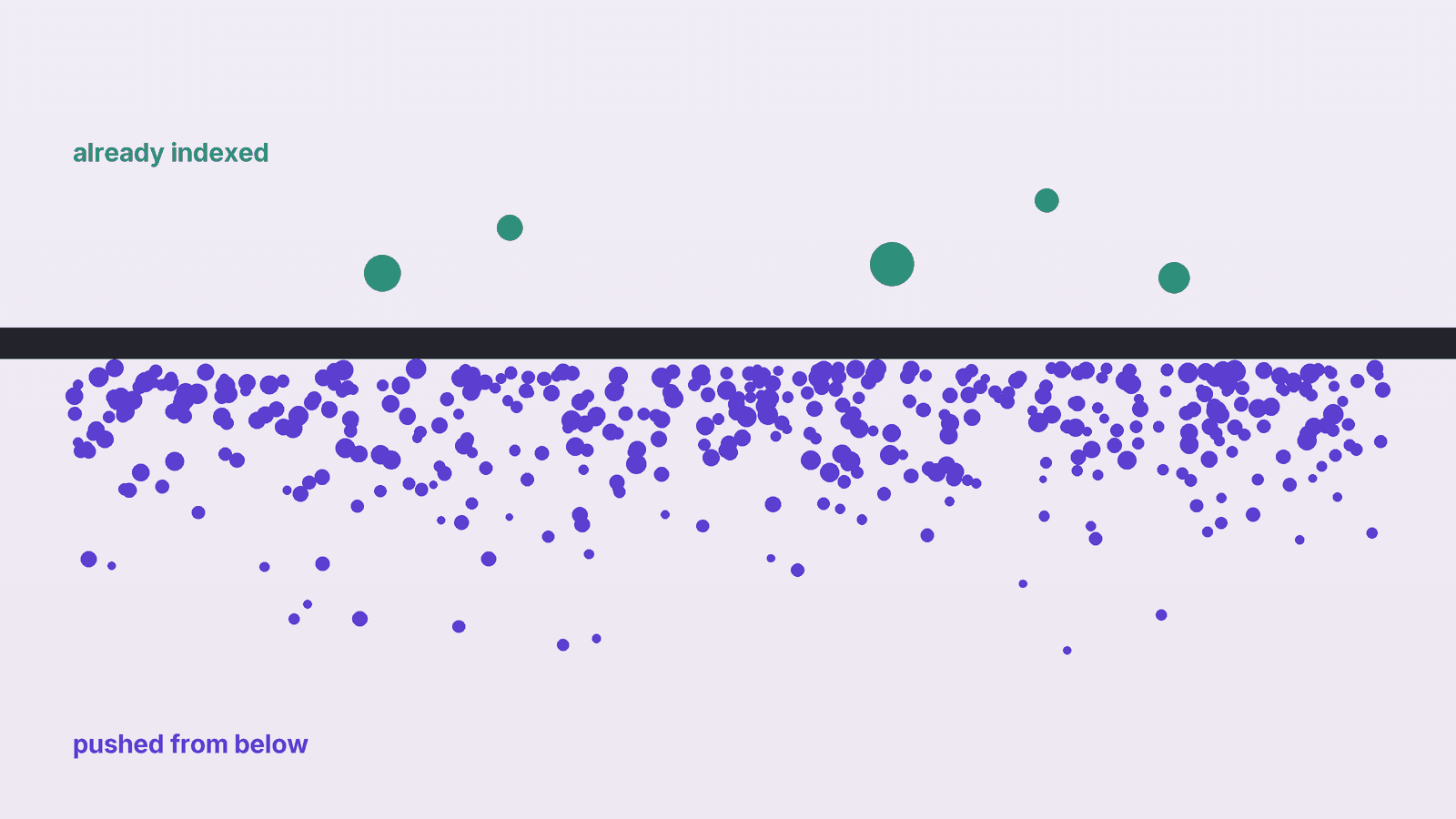
Backlink indexing means Google has added the page that links to you to its index. If that page is not indexed, Google is unlikely to count the link, and there is no setting you can change on someone else's site to fix it. Most guides on getting backlinks indexed recommend a paid indexer. We read nine of them, tallied the 14 methods they recommend, and checked each method against Google's own documentation. The method that holds up best happens before the link exists: choose linking pages that Google has already indexed.
How to check if a backlink is indexed#
You are checking the linking page, not your own page. Three ways, from free to paid:
- Search for the exact URL. Paste the linking page's full URL into Google, or use
site:with that URL. If it shows up, it is indexed. If it does not, it may still be: Google's site: operator documentation says the operator "doesn't necessarily return all the URLs that are indexed under the prefix." - Use URL Inspection if you own the site. Search Console's URL Inspection tool gives a definite answer, but "the URL must be in the current property." You cannot inspect a page on someone else's site.
- Use an index checker. Third-party tools run the search checks above in bulk. They are faster, but no more authoritative than a search.
Run the check about a month after the link goes live, and again at 90 days. Log the result next to the link so you can see which sites get indexed reliably and which do not. Our link building KPIs post has a monthly report this check fits into.
Why backlinks don't get indexed#
Google says so plainly in its guide to how Search works: "Indexing isn't guaranteed; not every page that Google processes will be indexed." The usual reasons a linking page is left out:
- The page is thin or duplicated. Directory listings, profile pages and spun articles often look like many other pages.
- Nothing links to it. A guest post that is linked from no category page, menu or other article is hard for Google to find.
- It is blocked. A
noindextag, a robots.txt rule, or a canonical pointing elsewhere keeps the page out by design. - The site itself is low quality. If Google crawls little of a site, new pages on it wait longest.
Every one of these is a fact about the linking page, and every one is visible before you ask for the link. That matters more than any trick after the fact, because the page's owner controls all of them and you control none.
What nine backlink indexing guides recommend#
We read nine guides that rank for backlink indexing searches in October 2026: Loganix, Respona, IndexCheckr, Click Intelligence, Bulldog Digital Media, indx.it, Retail Focus, DevriX and Infidigit. For each we marked which of 14 methods it recommends.
What the tally shows:
- The two most recommended methods are the riskiest. Building tier 2 links to the linking page (7 of 9) and paying an indexing service (6 of 9) lead the list.
- Request Indexing is recommended by 5 of 9, but it only works on sites you manage, and four of the five say so.
- Checking the page first is recommended by 5 of 9. That is the one method in the list that works before the link exists.
- Google is barely cited. Only 2 of 9 cite Google at all, and neither cites Google's indexing documentation.
- Every timing claim is unsourced. None of the nine gives a source for how long indexing takes or how many backlinks go unindexed.
What Google's documentation says about each method#
Here is each method next to what Google itself has published about it.
| Method | Guides | What Google's docs say |
|---|---|---|
| Request Indexing in Search Console | 5 of 9 | "You can't request indexing for URLs that you don't manage." Requesting "does not guarantee" inclusion, and there is a quota. (source) |
| Google Indexing API (used by some indexers) | 0 of 9 recommend it directly | "Can only be used to crawl pages with either JobPosting or BroadcastEvent embedded in a VideoObject." Abuse "may result in access being revoked." (source) |
| Ping services and sitemap ping | 3 of 9 recommend pinging | Google deprecated its sitemap ping in June 2023 because "the vast majority of the submissions lead to spam." (source) |
| IndexNow | 1 of 9 | Not a Google protocol. IndexNow.org lists Bing, Naver, Seznam.cz, Yandex and Yep; we found no Google page saying it supports it. |
| Tier 2 links | 7 of 9 | Google's spam policies define link spam as "creating links to or from a site primarily for the purpose of manipulating search rankings," including "using automated programs or services to create links." |
| Choosing indexed pages | 5 of 9 | Nothing to check against: it is ordinary prospecting. |
IndexCheckr says indexing services work partly through "Google indexing API submissions." Only Respona of the nine mentions that Google limits the Indexing API to job and livestream pages. If a service is pushing ordinary blog posts through it, that is the use Google's documentation rules out.
How long backlink indexing takes#
The guides' timing claims span from minutes to months. Google's own figure is for crawling, not indexing: "anywhere from a few days to a few weeks."
The fastest claim comes from the one publisher selling an indexer, about its own service. The two ten-week claims come from agencies. None cites data. Google's range is the only one with a source, and it is a crawl estimate that comes with no promise of indexing.
Want every prospect checked before you pitch? GenLink's backlink agent picks real pages on relevant sites, writes the outreach, and follows up from your own domain, so you start from pages worth a link.
How to get backlinks indexed: five steps before you ask for the link#
You cannot index someone else's page. You can choose pages that are already indexed, or that sit where Google already looks.
- Search the target page before outreach. Search its exact URL. If Google shows it, the link will sit on a page Google already knows about. Our link building prospecting guide covers the rest of the vetting.
- For a new page, check the site's recent posts. Search two or three articles from the last month. If they are indexed, new pages there get picked up.
- Ask where the page will be linked from. For guest posts and new resources, ask the editor to link it from a category page or a related article. An unlinked page is hard for Google to find, so it tends to wait.
- Skip pages that are blocked. Check the linking page for a
noindextag and a canonical pointing elsewhere. Our dofollow vs nofollow post covers the link attributes to check at the same time. - Recheck at 30 and 90 days. If the page is still missing, tell the site owner, who can request indexing in their own Search Console. Three of the nine guides suggest this, and it is the only Request Indexing route that works for a page you do not own.
Tier 2 links and indexing services: the risk#
Tier 2 links, links built to the page that links to you, are the most recommended method in the guides (7 of 9). They often mean Web 2.0 posts or automated links pointed at a guest post. Google's link spam definition covers links made "primarily for the purpose of manipulating search rankings," and names "automated programs or services to create links." A tier 2 link built to get another link counted fits that description. If you want more on where the line sits, see our PBN backlinks and toxic backlinks posts.
Indexing services do not publish how they work. Six of the nine guides recommend one anyway, Loganix with a warning about scams. If a service will not say how it gets pages indexed, assume it uses one of the methods above that Google rules out or limits.
If a link sits on a page Google will not index, a better link is usually cheaper than a fix. Spend the effort on high quality backlinks from pages that are already in the index. For the full process, start at our link building guide.
Frequently asked questions#
How do I know if my backlink is indexed? Search Google for the exact URL of the page that links to you, or use the site: operator with that URL. If it appears, it is indexed. If it does not, it may still be indexed, because Google says site: does not return every indexed URL.
How long does it take for a backlink to be indexed? Google says crawling can take "anywhere from a few days to a few weeks," and does not promise indexing at all. The guides we read claim anything from minutes to ten weeks, and none gives a source.
Can I request indexing for a backlink on another site? No. Google says "you can't request indexing for URLs that you don't manage." You can ask the site owner to request indexing in their own Search Console.
Do backlink indexers work? They do not publish how they work. Some reportedly use Google's Indexing API, which Google limits to job posting and livestream pages and says it may revoke for abuse.
Does a backlink count if the page is not indexed? It is unlikely. If Google has not indexed the linking page, it has no indexed page to credit the link from. Choose pages that are already indexed.
Should I build links to my backlinks? We would not. Building tier 2 links mainly to get another link counted fits Google's definition of link spam, and it costs time you could spend on a link from a page that is already indexed.
Start from pages Google already counts. GenLink's backlink agent finds relevant pages, writes each email around why your link fits, and follows up from your own domain. The free plan includes one agent.